
Ad Shelter
Fewer ads. A calmer, cleaner home.
A simple device that connects to your router and blocks advertising by blocking ad-related DNS addresses.
Register your interest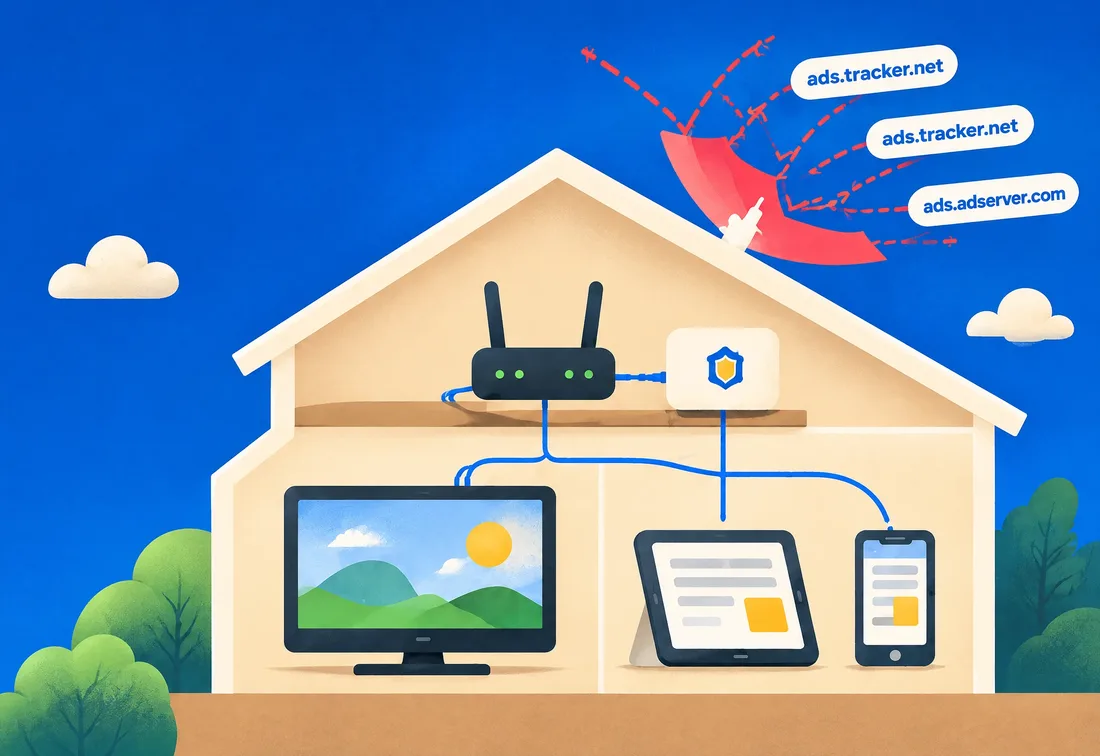
Meet Ad Shelter
How it works
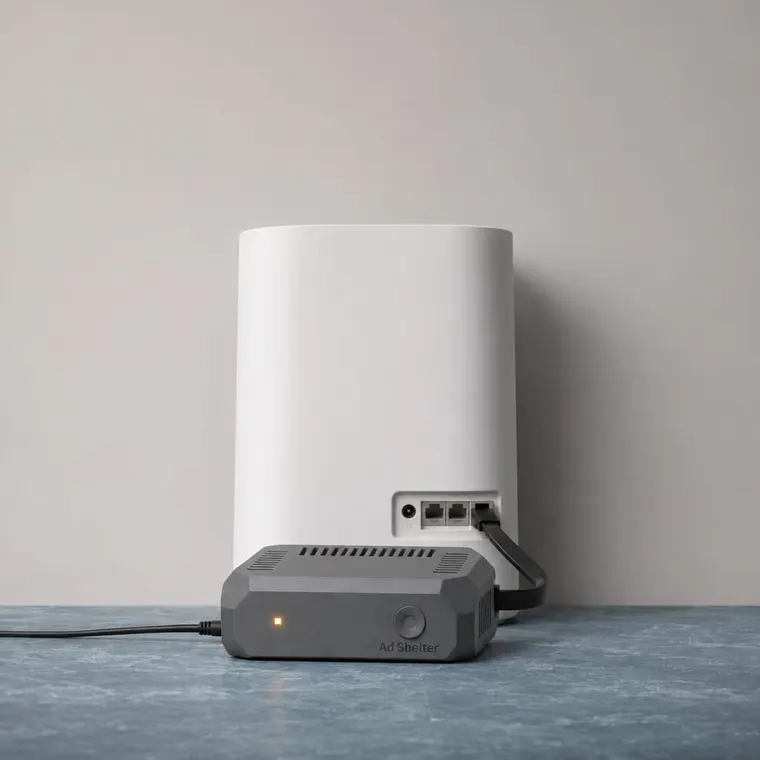
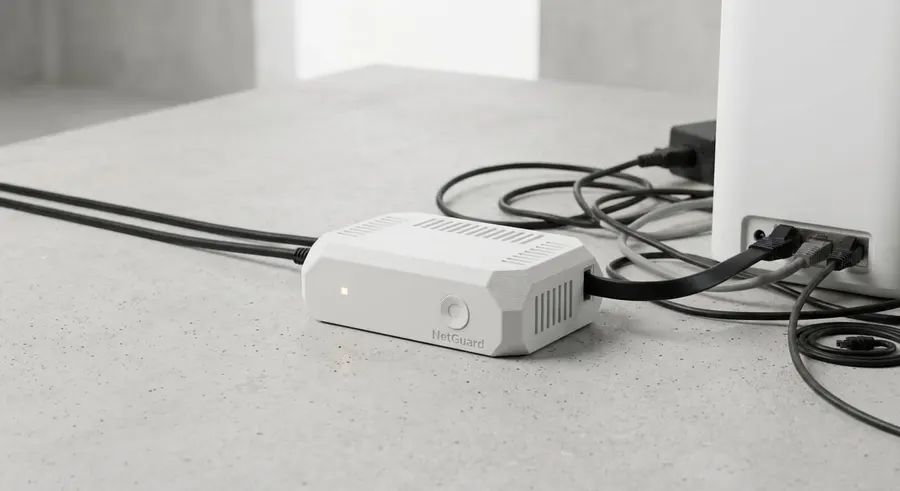
Plug into your router
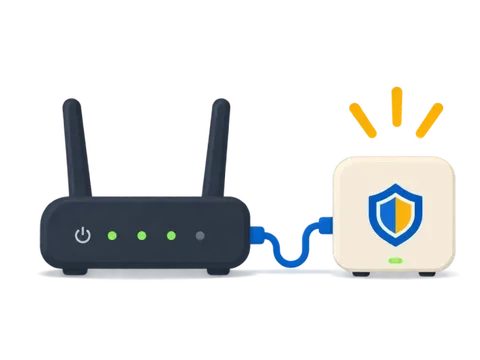
Connect Ad Shelter to your router using a spare port.
Blocks ad-related DNS addresses
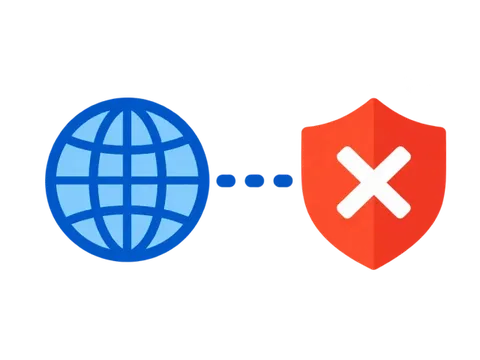
Ad Shelter blocks known ad-related DNS addresses.
Enjoy a cleaner browsing experience
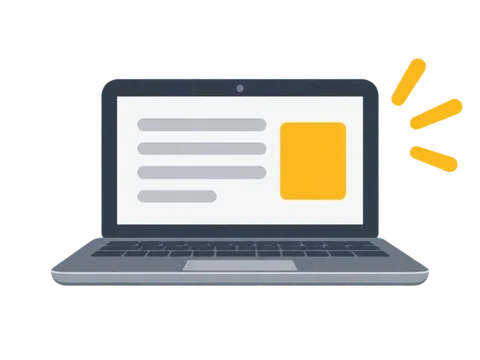
Web pages load with fewer ads and trackers.
What it blocks, what it can’t
Ad Shelter blocks advertising by blocking ad-related DNS addresses.
However, not every ad is blocked.
Blocks
- Many ad domains
- Known trackers
- Ad-related requests
May not block
- Some ads
- Ads from new domains
- Ads in apps
Benefits for your household
Cleaner pages
Focus on what matters.
Fewer trackers
More privacy at home.
Whole-network coverage
All your devices, easily.
Pre-order Ad Shelter
Reserve your device now. Payment is handled on a secure, hosted checkout page, so card details never touch this site.
- Plugs into a spare router port
- Covers every device on your network
- Ships to Estonia, Latvia and Lithuania
Shipping: currently to Estonia, Latvia and Lithuania only. More countries will be added later. Shipping is calculated at checkout. You’ll be taken to a secure hosted payment page.
Register your interest
Let us know you’re interested in Ad Shelter. We’ll save your details and be in touch with updates on price, availability and delivery.
Frequently asked questions
How do I set up Ad Shelter?
Plug it into a spare port on your router and follow the setup steps.
Is it compatible with my router?
It’s designed for common home routers; details will come before launch.
What does DNS blocking mean?
DNS turns site names into addresses. Blocking known ad addresses stops those requests.
How does Ad Shelter protect my privacy?
It blocks known trackers across your network, so fewer requests reach them.
Will Ad Shelter block every ad?
No. Ads from new domains and some in-app ads may still appear.